SoftDraft Software Apps: AutoCAD LT 2024-Current Version
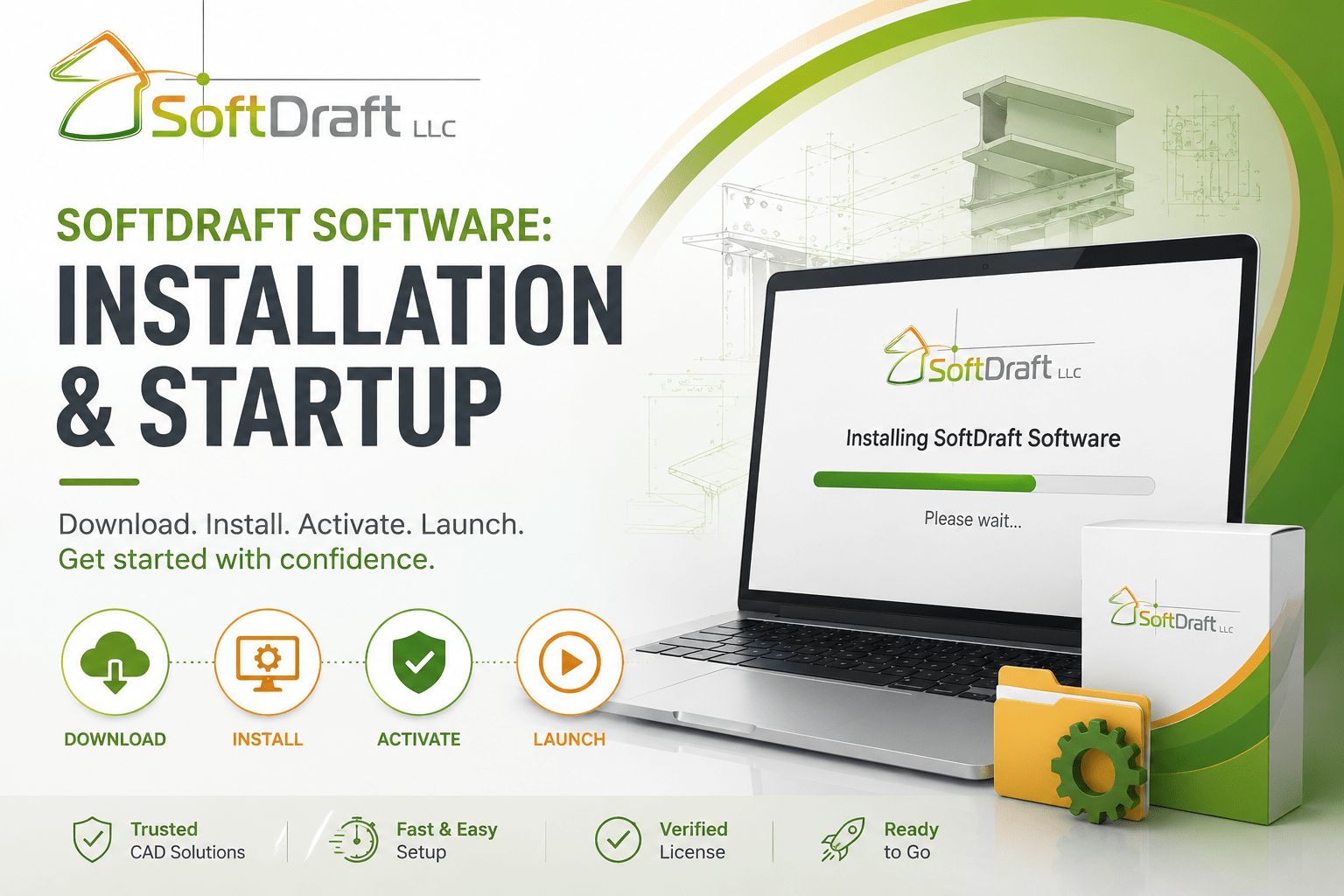
About Course
This course is your starting point for installing and launching SoftDraft applications purchased for Autodesk AutoCAD LT 2024 and later versions.
Whether you’ve purchased the Steel2K2D-LT, Bolts2K2D-LT, Deck2K2D-LT, Joist2K2D-LT, Weld2K-LT, or another SoftDraft LT application, you’ll find step-by-step installation lessons organized by CAD platform and application.
These lessons may include a short instructional video along with illustrated, step-by-step instructions to help you install your software, activate your license, launch the application, and begin using it with confidence.
What You’ll Learn
In this course, you’ll learn how to:
- Download and install your SoftDraft AutoCAD LT application
- Activate your software license
- Launch your application inside AutoCAD LT
- Confirm that your installation is working correctly
Autodesk AutoCAD LT
Installation and startup lessons for applications developed specifically for Autodesk AutoCAD LT.
Applications include:
- Steel2K2D LT
- Bolts2K2D LT
- Deck2K2D LT
- Joist2K2D LT
- Weld2K LT
- Quick Notes LT
- Additional LT applications
Before You Begin
Before installing your SoftDraft application, make sure you have:
✔ A supported version of Autodesk AutoCAD LT installed
✔ Your SoftDraft installation package
✔ Administrator rights to install software
✔ An Internet connection if license verification is required
Need Help?
If you experience any problems during installation or startup, continue to the SoftDraft Software AutoCAD LT: Troubleshooting & Support course for solutions to common installation, licensing, and AutoCAD configuration issues. These will also be grouped by the specific application you purchased.
Course Content
SoftDraft LT Apps: Download, Installation and Startup
Student Ratings & Reviews