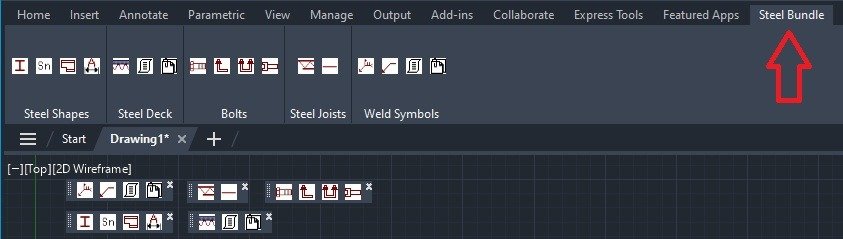
Execute the Script File to Load Toolbars
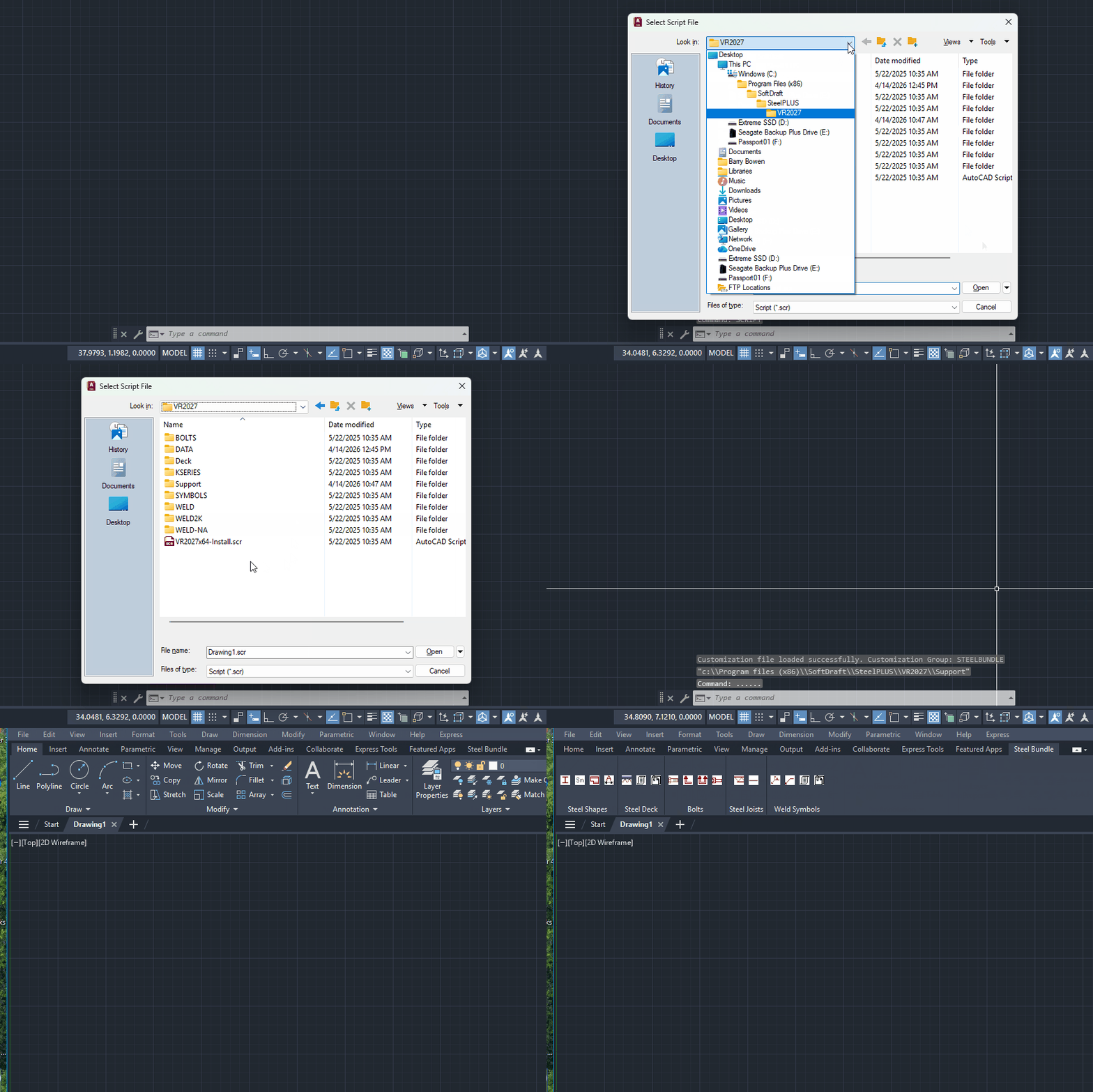
After installation, to load the toolbar in AutoCAD at the command line, type:
Command: Script <enter>
Use the browse button to locate the following folder based on the version you installed:
C: Program Files (x86)SoftDraftVR2027
Select file: VR2027x64-Install.scr, then click “Open”
You should now see the VR2027 Ribbon Panel as shown below. If you do not see the toolbar, look at the bottom left of the drawing editor.