
Download the Installation Package
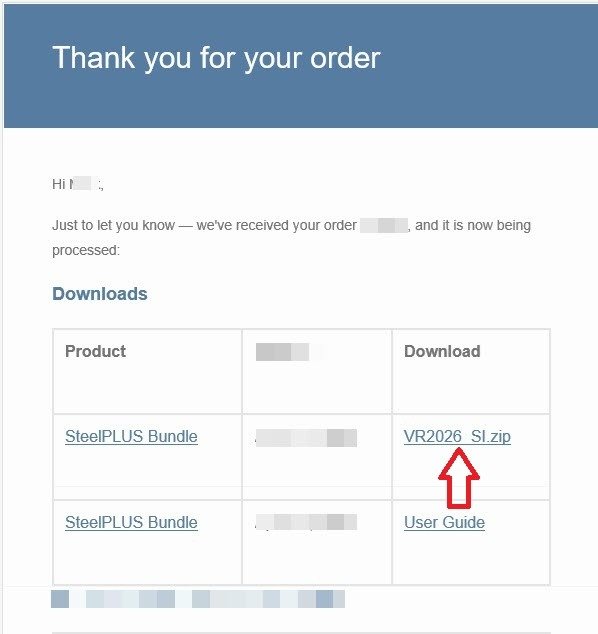
After purchasing the SteelPLUS Bundle, you will receive an email containing a download link for your software.
Click the download link and save the .ZIP installation package to a convenient location on your computer, such as your Downloads folder or Desktop.
Tip: Keep the downloaded .ZIP file in case you need to reinstall the software in the future.
Close AutoCAD
Before installing SteelPLUS Bundle, make sure AutoCAD is completely closed.
Closing AutoCAD before installation ensures that all required files can be installed correctly.