
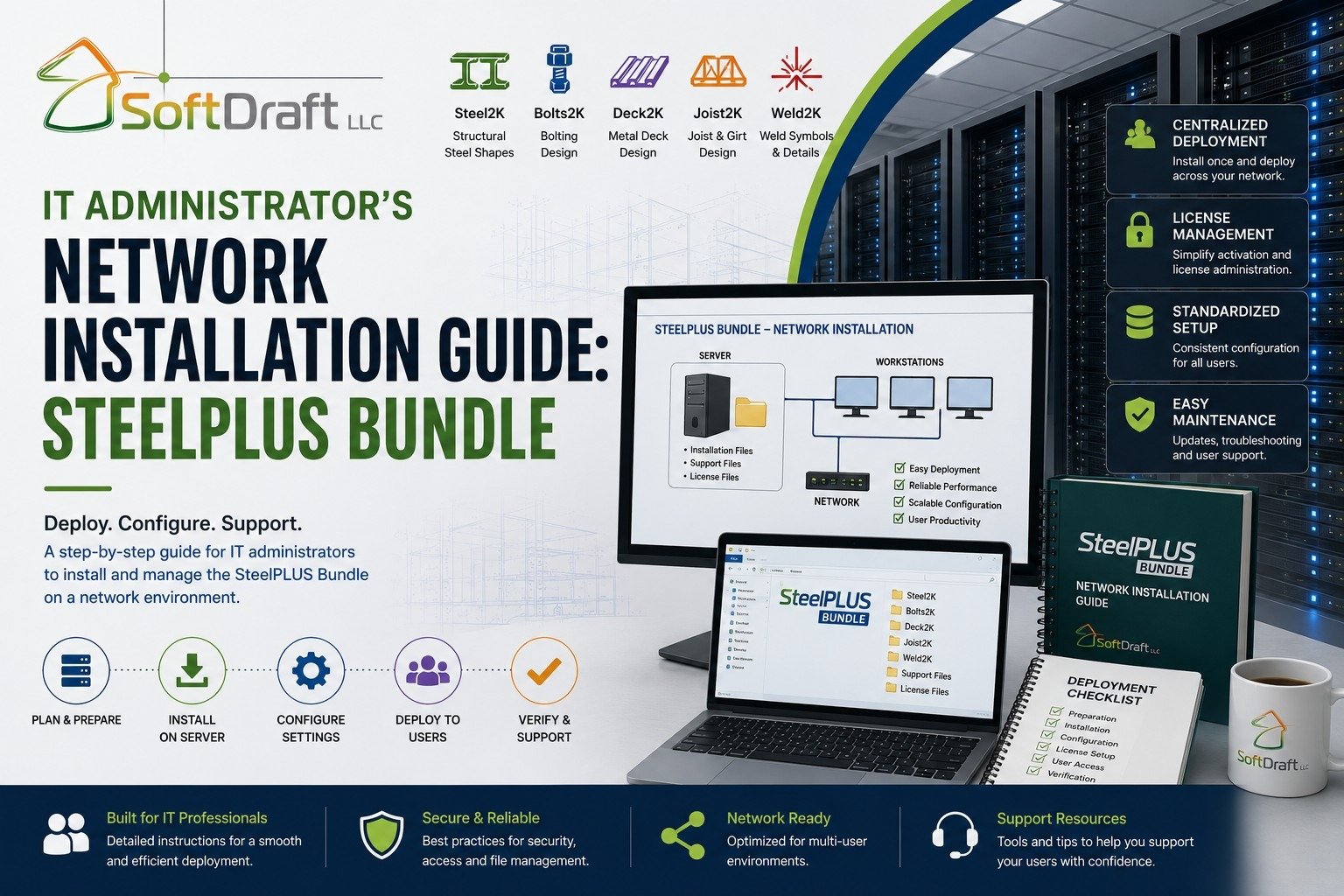
IT Administrator’s Network Installation Guide: SteelPLUS Bundle
About Course
Overview
Installing the SteelPLUS Bundle on a network consists of three primary steps:
- Install SteelPLUS on the network server.
- Share the SteelPLUS program folder with authorized users.
- Configure each AutoCAD workstation to load the SteelPLUS partial CUIX files and support paths from the server.
Once configured, all workstations will use the same SteelPLUS installation stored on the server, simplifying software maintenance and updates.
Important
If you encounter an error during installation or configuration, contact SoftDraft Technical Support before uninstalling the software. Many issues are related to AutoCAD configuration or support paths and can usually be resolved without reinstalling SteelPLUS.
Course Content
Before You Begin
-
-
-
-
-
-
-
00:00
-
00:00
-
Student Ratings & Reviews

No Review Yet